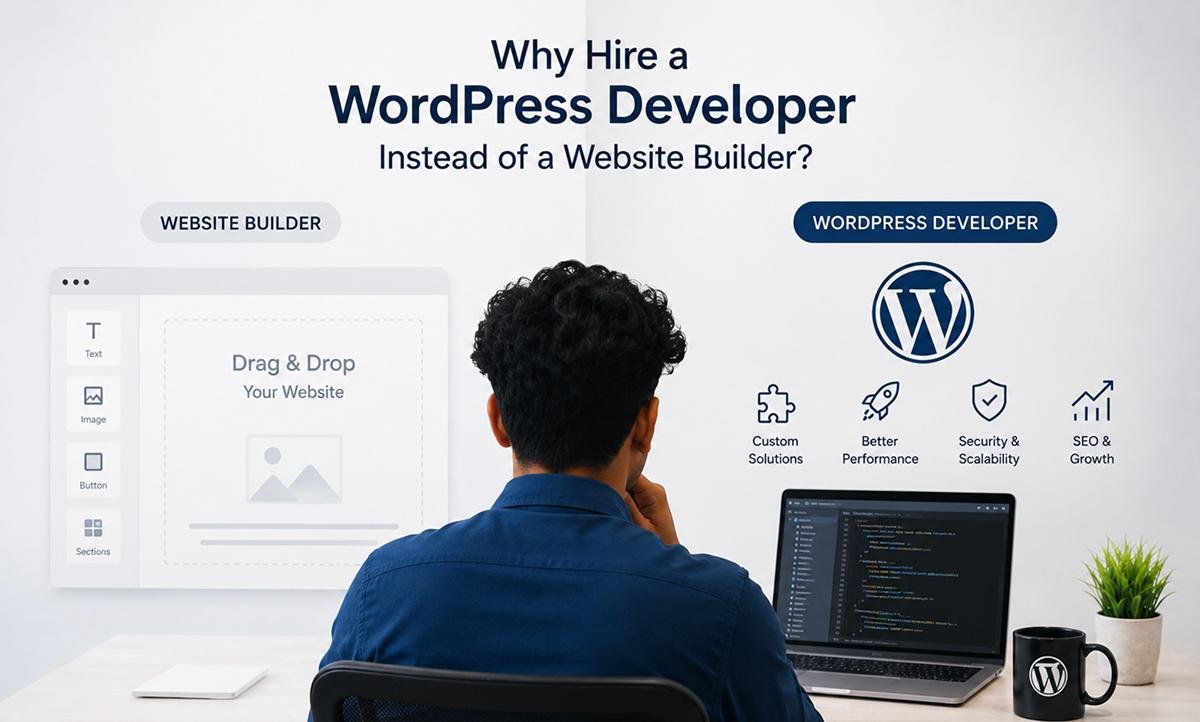
Creating a website has never looked easier.
Choose a template, drag a few elements onto the page, add your logo and click “Publish.” Many website builders promise that anyone can create a professional website in a few hours without writing code.
For a personal portfolio, temporary campaign or very small business website, that may be enough.
The decision becomes more complicated when the website must generate leads, support marketing campaigns, integrate with business systems, rank in search results or grow alongside the company.
A website builder gives you a predefined system for assembling pages. A professional WordPress developer can create a website around your particular goals, content, users and technical requirements.
That distinction affects more than appearance. It can influence performance, search visibility, conversion rates, security, maintainability and the cost of future changes.
This guide explains the difference between using a website builder and hiring a WordPress developer, when each option makes sense and how to choose the right approach for your business.
A website builder is a platform that lets users create websites through templates, visual controls and drag-and-drop tools.
Common builder features include:
The main advantage is simplicity. You do not normally need to understand HTML, CSS, PHP, databases or server configuration.
Website builders reduce the number of technical decisions required to launch a site. Hosting, software updates and some security responsibilities are often managed by the platform provider.
That convenience is valuable, especially when the website is small and its requirements are standard.
However, the same predefined system that makes a builder easy to use may also limit what the website can become.
A WordPress developer works with the WordPress platform at a deeper technical level.
Depending on the project, the developer may work on:
WordPress officially supports both block themes and traditional classic themes. Classic themes commonly use PHP, JavaScript and CSS, while block themes rely heavily on blocks, HTML templates and theme configuration.
A developer is therefore not simply someone who places text and images on a page. A capable developer helps determine how the website should be structured, how it should function and how it can be maintained after launch.
A website builder asks:
How can your business fit into the features and templates available on this platform?
A custom WordPress project asks:
What does your business need, and how should WordPress be configured or developed to support it?
That is the central difference.
With a builder, you usually choose from predefined capabilities. With professional WordPress development, the website can be shaped around the requirements.
The right choice depends on how simple or complex those requirements are.
A website should not begin with a template.
It should begin with questions such as:
A website builder can help you arrange content, but it does not automatically answer these strategic questions.
A WordPress developer can work from a defined website plan that considers:
This results in a website that supports the business rather than simply displaying information about it.
Suppose a professional-services company needs:
A generic template may support some of these requirements. However, assembling them through disconnected widgets and add-ons can create an inconsistent and difficult-to-maintain system.
A developer can plan the complete structure before implementation.
Website builders offer attractive templates, but those templates are reused by many businesses.
Changing colors, fonts and images does not always create a distinctive experience. The underlying layouts, spacing, interactions and content patterns may remain similar.
Recent independent website-builder analysis has also noted that templates are widely reused and that meaningful customization can require significantly more effort than the initial setup suggests.
A WordPress developer can create or implement:
This does not mean every element should be unique. Good development often uses a consistent design system. The difference is that the system can be designed for your brand instead of inherited from a general-purpose template.
A website builder works well while your needs match the platform’s available features.
Problems appear when you need something that the platform does not provide.
For example:
Some builders offer application marketplaces, but available apps may not fit the requirement exactly. Adding several apps can also increase monthly costs and create multiple vendor dependencies.
WordPress can be extended through plugins and custom development. Its Plugin Handbook covers features such as settings, metadata, custom post types, taxonomies, users, administration interfaces and security practices.
A developer can assess whether to:
That flexibility is particularly valuable when the website supports real business operations.
Visual builders often generate code automatically. That is not automatically bad, but poorly planned websites may accumulate:
The website may still look correct, but future modifications become slower and riskier.
Professional WordPress development can follow documented standards for PHP, HTML, CSS and JavaScript. WordPress states that its coding standards are intended to reduce common errors, improve readability and make future modification easier.
A developer may also use:
These practices may not be visible to website visitors, but they strongly affect the website’s long-term reliability.
Website speed is affected by many factors:
A builder usually gives you limited control over the underlying system. You can optimize images and reduce unnecessary effects, but server behaviour and platform code remain controlled by the provider.
With self-hosted WordPress, a developer can evaluate and improve more parts of the system.
Performance work may include:
Google recommends that websites be secure, fast, accessible and usable across devices. It also notes that technical problems preventing Google from understanding a page can reduce opportunities to receive relevant search traffic.
A developer cannot guarantee a perfect performance score, but they can identify problems and make informed technical changes.
A website builder may provide title fields, meta descriptions, redirects and basic SEO settings.
Those tools are useful, but SEO involves more than completing several fields.
A search-friendly website may require:
A developer can implement the technical foundation required by an SEO or content strategy.
Google explains that SEO is about helping search engines understand content and helping users decide whether to visit a result. Google also clearly states that there is no secret method that automatically guarantees the first position.
Hiring a developer does not automatically produce rankings. What it can do is prevent technical limitations from weakening otherwise valuable content.
A WordPress developer may implement:
An SEO professional or content strategist may handle:
Some professionals provide both skill sets, but the responsibilities should be clarified before the project begins.

Have a project in mind or want to improve your existing website? Let’s discuss how I can help you build a high-performing, conversion-focused WordPress website that drives real business results.
Traffic is not the final goal of most business websites.
The website must encourage visitors to take a meaningful action, such as:
A developer can implement conversion-focused features such as:
A builder may support basic forms, but a growing business often requires better data handling and integration.
For example, a lead form may need to:
That is a business workflow, not merely a visual form.
Modern websites rarely operate alone.
They may need to connect with:
A website builder may offer native integrations, but unsupported systems often require workarounds or third-party automation subscriptions.
A WordPress developer can use available APIs, webhooks, plugins or custom integration code to create a more suitable connection.
The WordPress Plugin Handbook specifically explains how plugins can interact with WordPress through hooks and can handle data, settings, users, metadata and custom functionality.
Complex integrations still require discovery and testing. Professional development does not make every integration simple, but it provides more options.
A simple website may become more complex over time.
The business may later need:
A builder that meets today’s needs may not support tomorrow’s roadmap.
Changing platforms later can be expensive because the business may need to recreate:
Independent reviews of website builders frequently identify migration and export limitations as an important consideration because moving to another platform may not be straightforward.
A WordPress developer can plan the initial architecture with reasonable future growth in mind.
That does not mean building every possible feature immediately. It means avoiding choices that unnecessarily block likely future requirements.
Hosted builders commonly combine:
This provides convenience, but it also creates dependence on one platform.
The provider may control:
With self-hosted WordPress, the business generally has more freedom to choose:
That flexibility creates additional responsibility. Someone still needs to manage updates, backups, security and compatibility.
For businesses that value long-term control, this responsibility may be preferable to relying on one closed platform.
No website platform is automatically secure in every situation.
Security depends on factors such as:
A hosted builder manages much of the platform-level security. That is a real advantage for a small organization without technical support.
With WordPress, a developer can implement controls suited to the project, including:
Custom functionality should also follow WordPress security and coding guidance.
One important WordPress rule is to avoid modifying core files. WordPress explains that core changes can be overwritten during updates and recommends implementing additional functionality through plugins.
A developer should not promise that a website can never be compromised. They should explain the controls, responsibilities and maintenance process.
A website should be usable by people with different abilities and methods of interaction.
Accessibility considerations may include:
A template may provide an accessible starting point, but content changes, plugins and custom styling can introduce problems.
WordPress states that new and updated WordPress code is intended to meet WCAG Level AA standards, and its development standards highlight accessibility as an important consideration.
Formal legal compliance requires appropriate auditing and testing. However, a developer can build accessibility into the project rather than trying to repair every issue after launch.
When a builder website has a problem, you may depend on the platform’s support team.
Support quality varies. The response may resolve standard account or platform issues but may not address a unique business workflow or third-party integration.
A WordPress developer can investigate:
Developers may use tools such as Query Monitor, debugging logs and development environments to identify the cause. WordPress’s Theme Handbook lists tools including Theme Check, Debug Bar and Query Monitor as useful for testing and debugging themes.
A developer may still need assistance from the hosting provider or a third-party vendor, but they can coordinate the technical investigation.
A business website should not become understandable only to the person who created it.
Professional development can include:
WordPress’s official theme guidance emphasizes that documentation helps users understand supported capabilities and helps future developers customize the theme.
Documentation reduces dependence on individual knowledge and makes future work more efficient.
A website builder usually has a lower initial cost.
However, comparing only the first payment can be misleading.
The long-term cost may include:
Recent reviews have noted that advertised builder pricing may exclude features businesses later discover they need, such as advanced ecommerce, analytics or additional integrations.
Professional WordPress development usually costs more initially. The business is paying for:
The correct comparison is therefore not:
Which option is cheapest this month?
It is:
Which option provides the best total value over the expected life of the website?
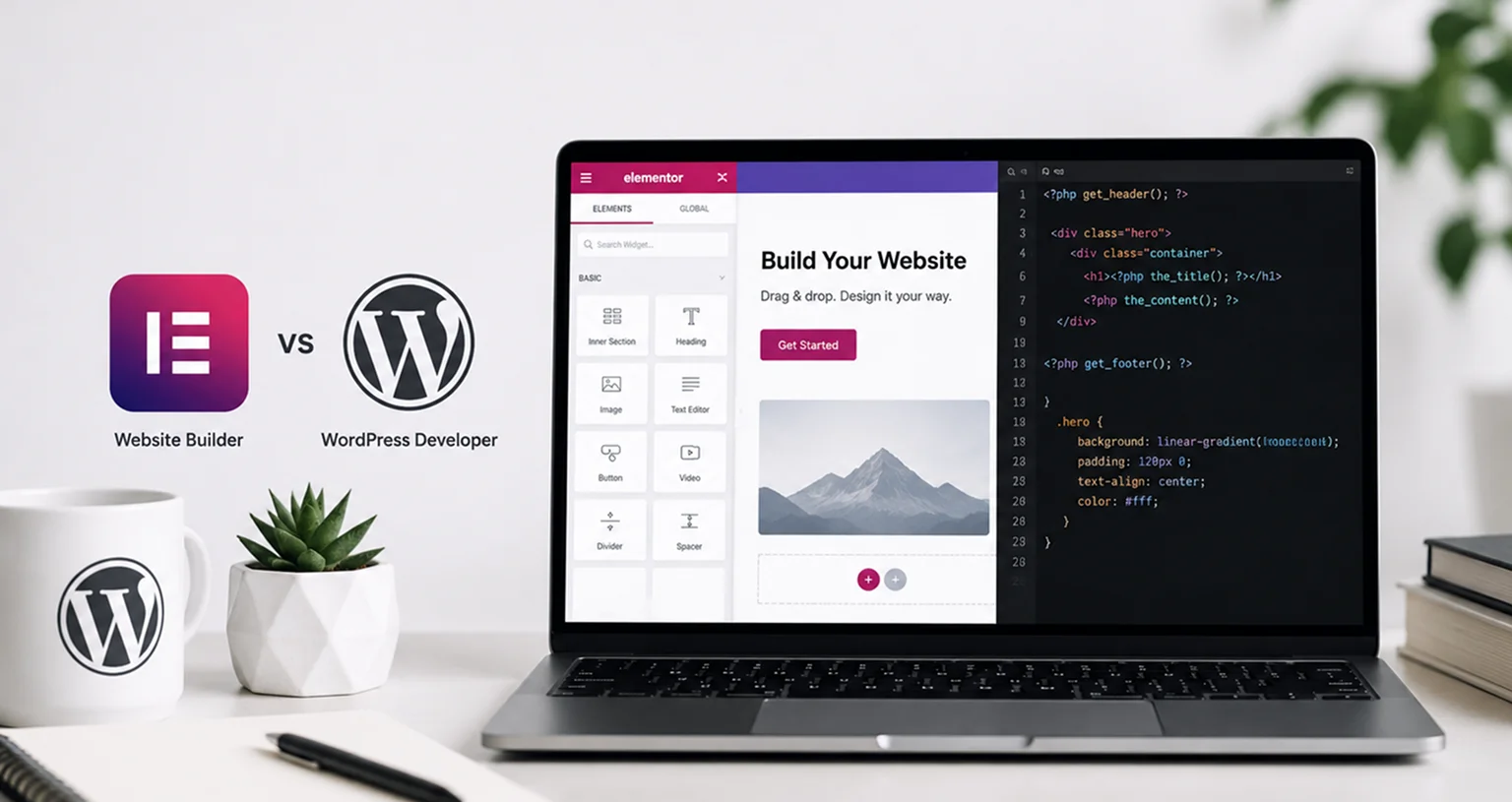
Hiring a WordPress developer is not always necessary.
A website builder may be the right choice when:
Examples may include:
Modern builders can create attractive and useful websites. Reviews continue to identify ease of use, quick setup and built-in features as their strongest advantages.
The mistake is not using a website builder. The mistake is choosing one without considering the website’s future role.
Professional WordPress development is usually worth considering when:
A developer becomes especially valuable when the website is not merely a brochure but part of how the business markets, sells, communicates or delivers services.
| Factor | Website builder | WordPress developer |
|---|---|---|
| Initial launch | Usually faster | Requires planning and development |
| Initial cost | Usually lower | Usually higher |
| Ease of use | Beginner-friendly | Editing experience can be customized |
| Design | Template-based | Custom or highly customized |
| Functionality | Limited to available features and apps | Can be extended through plugins and custom code |
| Hosting | Usually included | Selected separately |
| Maintenance | Much is platform-managed | Requires an agreed maintenance process |
| Performance control | Limited | Greater technical control |
| Integrations | Based on platform support | More flexible through APIs and custom development |
| Ownership and portability | Platform-dependent | Generally greater control |
| Scalability | Suitable within platform limits | Can be planned around business growth |
| Troubleshooting | Platform support | Technical investigation by a developer |
| Best for | Simple, standard websites | Business-critical or custom websites |
Before choosing a website builder or WordPress developer, answer these questions.
Define the business outcome, not only the desired appearance.
Examples:
Separate essential requirements from optional ideas.
Consider likely growth over the next two or three years.
The editing experience should match the skills and responsibilities of the internal team.
List the CRM, payment, email, analytics, booking and operational tools.
A lead-generation or ecommerce website usually needs a stronger technical foundation than an informational microsite.
The answer helps determine the appropriate level of support, monitoring and technical control.
Understand the migration limitations before committing.
Include subscriptions, applications, maintenance, improvements and potential migration—not only the launch cost.
Choosing the right developer requires more than comparing hourly rates.
Look for evidence of:
A strong developer should explain trade-offs clearly rather than insisting that every feature requires custom code.
Be cautious when someone:
Google explicitly states that no one can guarantee a number-one ranking.
A website builder is useful when speed, simplicity and low initial cost matter more than customization.
Hiring a WordPress developer makes more sense when the website must become a durable business asset.
A professional developer can give you greater control over:
The most important question is not whether website builders are good or bad.
It is whether a general-purpose platform can support the website your business actually needs.
When your requirements are simple, a builder may be enough. When the website must support growth, marketing, sales or operations, professional WordPress development can prevent short-term convenience from becoming a long-term limitation.
Not always. A simple WordPress website can be created using an existing theme, the block editor or a visual page builder.
A developer becomes more valuable when you need a custom design, custom functionality, integrations, stronger performance, ecommerce, migration or long-term technical support.
WordPress is a content management system that can support several website-building approaches.
You can use:
WordPress’s official Theme Handbook explains that modern WordPress supports both editable block themes and traditional classic themes.
The cost depends on the project.
A small website using an existing design will generally cost less than a custom ecommerce platform, membership website or integration-heavy system.
Evaluate cost against the website’s expected lifespan, business value and future development requirements.
Yes. A website built with a builder can rank when it provides useful content and has a sound technical foundation.
The platform alone does not determine rankings. Search performance also depends on content, competition, authority, crawlability, page experience, internal links and other factors.
Google’s guidance prioritizes helpful, reliable, people-first content rather than content created mainly to manipulate rankings.
A well-planned WordPress project should provide an editing experience appropriate to the content team.
This may use Gutenberg, custom blocks, reusable patterns, structured custom fields or an approved page builder.
Ask the developer to demonstrate the editing workflow before launch.
It depends on the website’s role.
A small company may use a builder successfully for a simple website. Hiring a developer becomes more valuable when the website must generate leads, support ecommerce, connect business systems or provide a distinctive customer experience.
A template may be enough to launch, but it should not prevent your website from becoming faster, more useful or better connected to your business.
Get a professional review of your current website, technical limitations and future requirements.